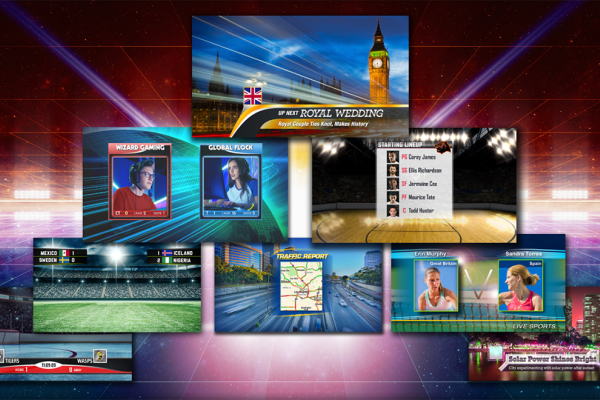
Graphics play a crucial role in live productions; it is the thread that ties the production together. This course begins with the fundamentals of graphic images and the terminology essential for live production. Learn to create titles, transitions, borders, animated logos, and virtual sets, with practical examples included in the course materials. Each section of the class will focus on a distinct graphics workflow available with the TriCaster solution. This class heavily relies on the Adobe Photoshop and After Effects products, some of the class material examples will require access to these software products. This course is suitable for technicians wanting to create graphics for TriCaster systems. Completion of the TriCaster Operation class is a prerequisite for this course. Read more
Rating
Difficulty
Content
Price

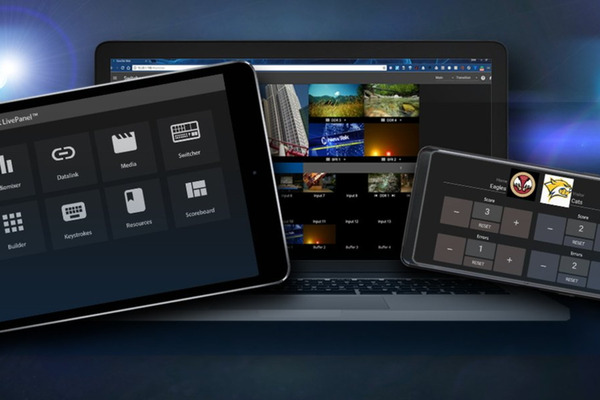
In this class students will learn about the automation of TriCaster functions using the macro system. The course starts with comprehensive guidance on the macro system, then moves on to cover how macros are triggered along with instruction on LivePanel Builder operation. Then you will learn about the advanced macro functions available in some TriCaster systems, allowing users to create macros that update variables, perform mathematical calculations, and make decisions. All examples are included in the course material download to load on your own TriCaster system. In conclusion, the class will provide instruction on utilizing NDI commands within the TriCaster to facilitate the control of other products, such as Viz 3Play, Viz Connect, Viz Trio and other TriCaster systems. This course is suitable for technicians with experience in TriCaster operation. Completion of the TriCaster Advanced Operation class is a prerequisite for this course. Read more
Rating
Difficulty
Content
Price

This course describes setup and administration aspects of the TriCaster Now product. Topics include setup of the remote access software, control surface connection and configuration of NDI Bridge with TriCaster Now in the cloud. You can learn more on how to use TriCaster by taking the Viz University TriCaster Operation course. This course is suitable for technicians with experience in installing software and configuration of LAN, WAN and computer network setting. Completion of the TriCaster Setup and Administration class is a prerequisite for this course. Read more
Rating
Difficulty
Content
Price
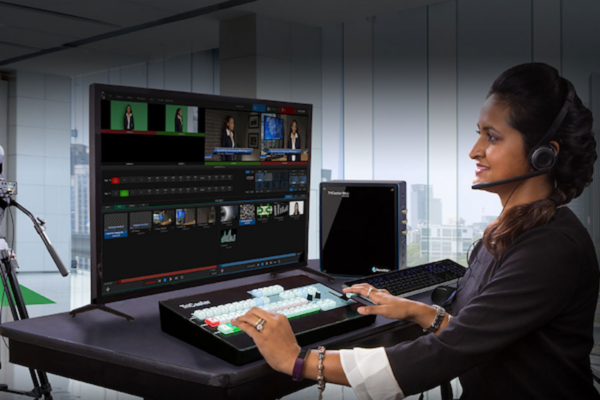
This course is an introduction to the concept of vision mixing and how to use a TriCaster in this workflow. Essential operational components required for producing a live event are addressed in the class, including video switching, media playback, audio mixing, and output configuration. Functionally is initially shown using the computer interface, keyboard and mouse, followed by training showing control panel operation. This course is suitable for technicians with experience in live video production. There are no pre-requisites required to take this course. Read more
Rating
Difficulty
Content
Price
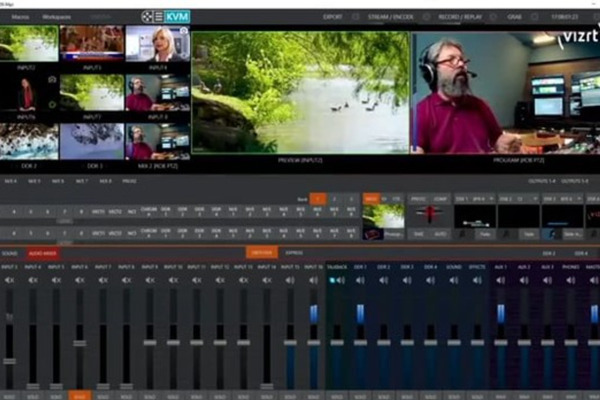
This online exam evaluates the proficiency of how to operate a TriCaster in live production for switching transitions, keying, playback, automation, and remote control. Successfully completing this exam will demonstrate your working knowledge and expertise of TriCaster workflow. A result with a grade of 80% or higher will pass this exam. The test will be 50 questions from a randomly chosen pool of multiple choice questions. You have 3 attempts to pass. The exam does have to be completed in one session, if you leave the exam it will be closed and you will need to restart a new exam. When you enroll, you will have 30 days to complete this exam. Completion of the TriCaster Operation and TriCaster Advanced Operation class is a prerequisite for this exam. Read more
Difficulty
Content
Price

This course provides instruction on the process of developing a virtual studio for productions. It includes topics ranging from concept planning to the creation of a virtual studio using tools and functions within Viz Artist. The curriculum features six workshops focused on areas such as Graphic Techniques, Modelling Techniques, Design Techniques, and Texture & Shader. These sessions are intended to help learners develop skills necessary for building virtual sets suitable for production. The course provides detailed instructions on various topics, including setting up a green box, understanding the coordinate system, lighting techniques, UV mapping, importing 3D models, and applying textures and shaders. Learners will also gain hands-on experience with camera setup, creating reflection maps, and using ambient occlusion to enhance the realism of their virtual sets. Additionally, the course includes practical exercises and video tutorials to reinforce the concepts and techniques taught. This course is designed for those interested in virtual set design with basic 3D modeling and animation skills. Ideal for graphic designers, 3D artists, and technical directors, it provides practical knowledge of Viz Artist to enhance both foundational and advanced techniques in virtual set creation. Read more
Rating
Difficulty
Content
Price
Shopping Cart
Your cart is empty